
Menus & Pricelists
Your menu – digital, multilingual, print-ready.
Maintain one menu and serve it everywhere: a beautiful QR menu on your guests' phones in their own language, and a press-ready PDF for your print shop. Change a price once – guests see it as soon as you publish, and your next print PDF includes it.
Free 14-day trial · No credit card required · All modules included
Sound familiar?
The problems this module removes
Every change costs money
A single price update means redesigning, reprinting and relaminating. So menus stay outdated, prices stay wrong, and specials never make it on.
Foreign guests are guessing
Your best dishes deserve better than awkward translations or a waiter's improvised explanation. Guests order less when they don't understand the menu.
Allergen chaos
EU rules require allergen information – but maintaining it across menu versions and languages by hand is error-prone and stressful.
Features
Everything inside Menus & Pricelists
AI menu scan
Photograph your printed menu or upload a PDF, Word or Excel file. AI turns it into a structured digital menu – categories, prices, descriptions – ready for you to review and publish.
Automatic translations
Translate your entire menu into your guests' languages with AI – 27 languages to choose from, up to 10 per menu, editable down to every dish name.
QR menus guests love
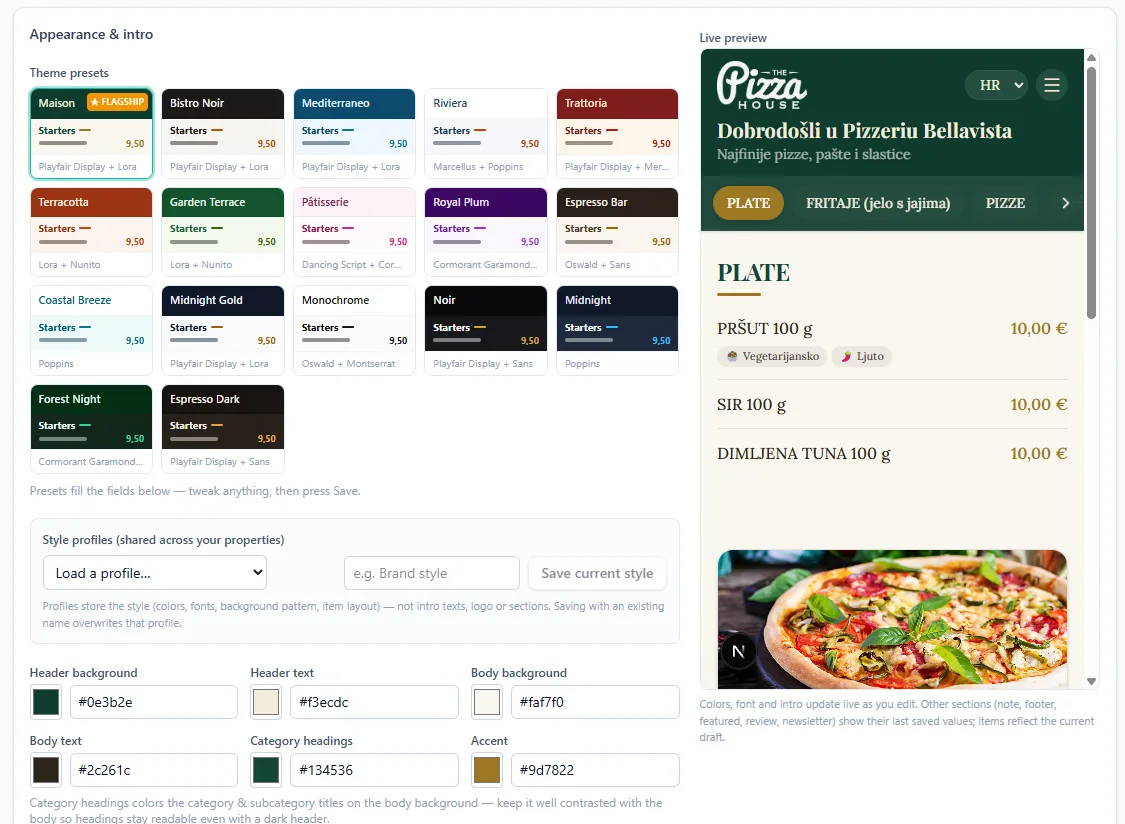
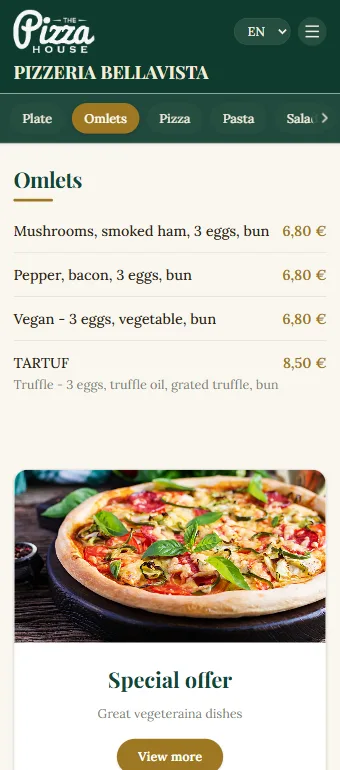
Fast, elegant, mobile-first menus with photos, design presets and your branding. No app to install – scan and browse.
Print-ready PDF export
Multiple print templates with your fonts and colors, exported as press-ready CMYK PDFs with bleed and crop marks – your print shop will love you.
EU-14 allergen labels
Built-in catalog of all 14 EU allergens. Tag dishes once – labels appear correctly in every language, digital and print.
Menu statistics
See how many guests scan your menu, which language they choose and what they browse – and promote specials with the featured content block.
AI scan – from paper to digital in a few steps
Don't retype your menu. Photograph it.
The biggest obstacle to going digital is the setup work – so we removed it. Take a photo of your existing menu (or upload a PDF, Word or Excel file) and Qupola's AI extracts every category, dish, description and price into a ready-to-publish digital menu. Multilingual menus are detected and imported with their translations.
- Photo, PDF, Word or Excel – anything works
- Categories, dishes, prices & descriptions extracted
- Multilingual menus imported with translations
- Review and adjust before anything goes live
How it works
Three steps to results
Import your menu
Scan it with AI, or build it by hand with the visual editor – categories, items, photos, allergens.
Translate & design
Pick a design preset, add your logo and colors, and translate into your guests' languages with one click.
Publish everywhere
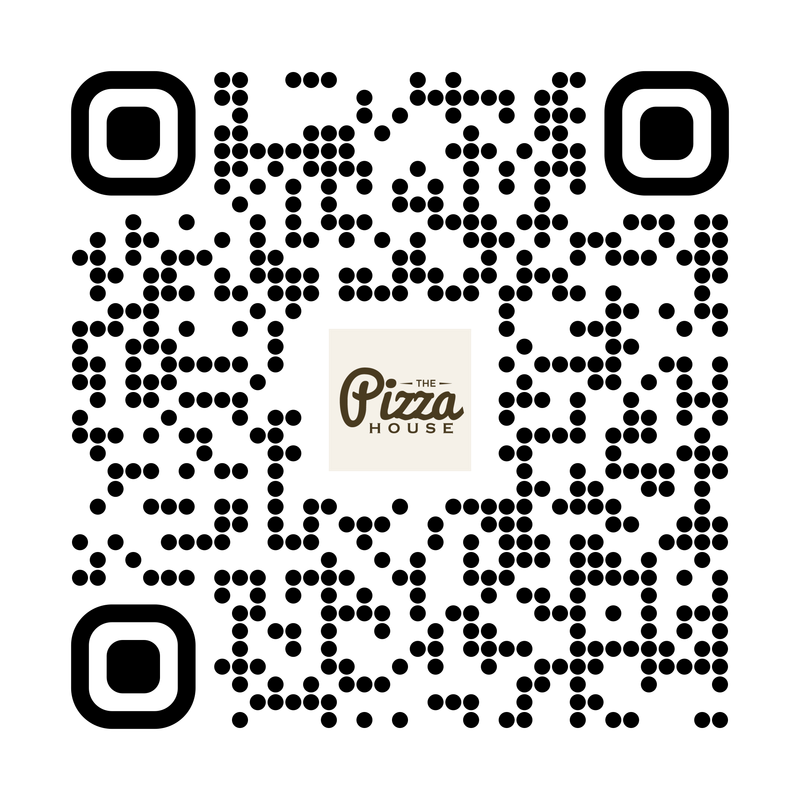
Put the QR on tables and doors, share the link, and export the print PDF – all from the same single source.
“We photographed our old menu, and twenty minutes later we had a digital menu in four languages. Our German guests noticed it immediately.”
Petra S.
Restaurant Manager, Bistro Lanterna
Pricing
Menus & Pricelists
€24 /property/month
or €240/year – 2 months free · no VAT
Start your free trialFree 14-day trial · No credit card required · All modules included
Want Reviews or Booster too? Combine modules and save – see all plans.
What's included
- 5 menus per property (à la carte, drinks, daily…)
- 10 languages per menu with AI translation
- AI menu scan (photo, PDF, Word, Excel)
- Digital QR menus + press-ready CMYK PDF export
- EU-14 allergen catalog
- Menu scan statistics
- 10 AI menu imports + 10 AI translations per year
FAQ
Menus & Pricelists – FAQ
How does the AI menu scan work?
Upload a photo of your printed menu, or a PDF, Word or Excel file. Qupola's AI reads it and builds a structured digital menu – categories, dish names, descriptions and prices – which you review, adjust and publish. No retyping, no starting from scratch.
How many languages can my menu have?
The Menus plan includes up to 10 languages per menu, chosen from the 27 we support – translated automatically by AI and fully editable. Guests switch language with one tap on the QR menu, and print exports can include multiple languages too.
Can I print the menu from Qupola?
Yes – that's a core feature. Choose a print template, customize fonts, colors and layout, and export a press-ready PDF with CMYK color, bleed and crop marks. Hand it straight to your print shop.
Do guests need to install an app?
No. The QR menu opens in any phone browser – no app, no registration, no friction. It's fast even on slow connections.
How do allergen labels work?
Qupola includes the standard EU-14 allergen catalog. Tag each dish once and the correct labels appear on the digital menu and print exports, in every language, automatically.
Can I update prices without reprinting?
Yes – on the digital menu. Change a price and click Save & Publish: guests see the new price right away, and the QR codes never change, so the ones already on your tables keep working. Printed menus are the exception – export a fresh PDF whenever you're ready to reprint.
Win more guests – and the right rate for every night
Try every Qupola module free for 14 days. No credit card, no commitment – just results you can see.
Free 14-day trial · No credit card required · Cancel anytime